 Beam
Beam Welcome
Beam documentation
Everything Beam can do, written from the code. Fast to scan, exact about shortcuts, honest about limits.
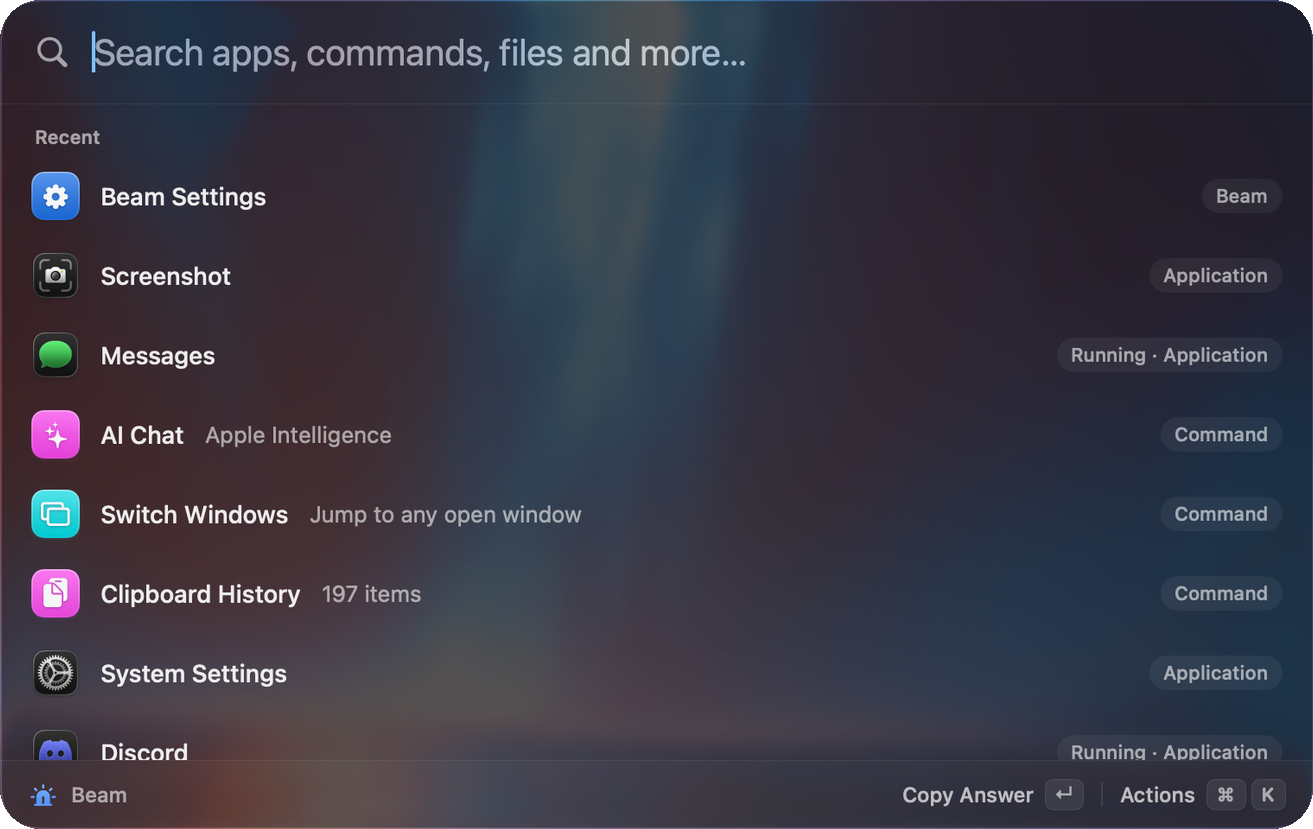
Beam is a launcher for macOS 14 and later. It lives in the menu bar, opens with a shortcut, and puts apps, files, commands, a calculator, your clipboard history, snippets, notes, windows, your calendar and an AI assistant in one search box.
Start with what you want to do
Get set upOpen Beam, grant permissions, take the hands-on tour.Search and keysHow search ranks results and every key the launcher understands.Do a sum, a conversion or a time zoneType it. The answer appears.Find something you copiedSearchable history, pinned items, paste into the right app.Expand text anywhereShort keywords become full text in any app.Move and switch windows18 snap layouts and a searchable Switch Windows list.Ask or act with AILocal models or your own cloud keys, with approvals.Talk instead of typeHold Fn, speak, and the text lands at your cursor.Build your own commandsQuicklinks, shell commands, scripts and a 46-item gallery.Coming from RaycastImport quicklinks and snippets. Raycast script headers just work.
How these docs are different
- Written from the code. Every default, key and limit here was read out of the Beam source, not copied from a feature list. Where the code and the older repo notes disagree, these pages follow the code.
- Exact keys. Each page lists the keys that feature uses. One page gathers all of them.
- Straight about privacy. One page explains built-in requests, cloud memory and remote server access.
- Straight about gaps. Beam vs Raycast and Limits say what Beam does not do yet.
At a glance
| Area | What Beam does |
|---|---|
| Launcher | Fuzzy search with learned ranking across apps, contacts, files, notes, snippets, commands, windows and answers. |
| Answers | Maths, percentages, units, currency, time zones, dates, definitions, colours and timers, typed straight into the search box. |
| Text | Clipboard history, snippet expansion in any app, markdown notes, system-wide dictation, emoji and symbol picker. |
| Windows | 18 snap layouts and a searchable Switch Windows list. |
| AI | Apple Intelligence, Ollama, LM Studio or nine cloud providers. Chat, commands on selected text, Quick Fix, agents, 20 built-in tools, MCP servers and scheduled automations. |
| Your own | Quicklinks, shell commands, script commands with Raycast-style headers, a gallery of 46 ready-made commands, hotkeys for almost everything. |
| Look | Eight themes plus accent, glass, tint, text size and density controls. |